
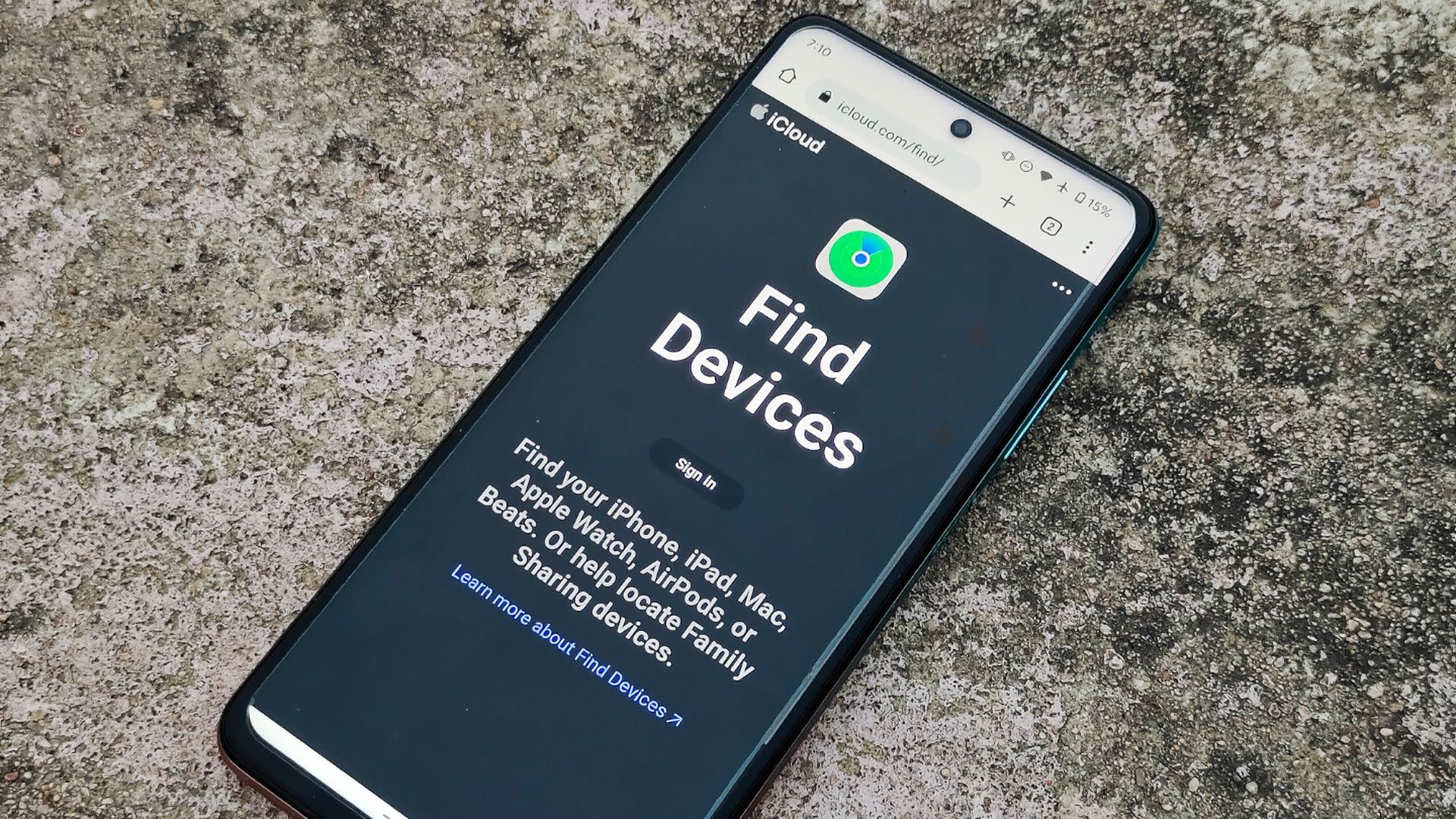
Look, if you're asking can iphone locate android phone because you lost your Android somewhere or you're trying to track a family member's device, I've got some news for you – it's way more complicated than it should be. Apple and Google built their ecosystems to work within their own worlds, so finding an Android phone from your iPhone isn't as straightforward as locating another Apple device through Find My.
E-TECH61 is a UK-based online store selling iPhone parts for all series, which comes in handy when you need quality replacement components for repairs at reasonable prices. This guide breaks down the reality of cross-platform device tracking, what actually works, and practical solutions when you need to locate an Android phone using your iPhone.
The Short Answer Nobody Wants to Hear
The straight-up answer to can iphone locate android phone through Apple's built-in Find My app is a hard no. Find My only works within Apple's ecosystem, tracking iPhones, iPads, Macs, AirPods, and AirTags – Android devices simply aren't compatible with Apple's proprietary tracking system.
This limitation exists because Apple and Google each built their own device-finding services that don't talk to each other. Apple has Find My for iOS devices, while Google has Find My Device for Android phones, and neither company has any incentive to make them work together since they're competing platforms.
Why Apple's Find My Doesn't Work
Understanding why can iphone locate android phone isn't possible through Find My requires knowing how Apple's system actually works. Find My uses a combination of GPS, WiFi, Bluetooth, and Apple's massive network of devices to triangulate locations of lost Apple products.
Android phones don't have the necessary hardware integration or software protocols to communicate with Apple's Find My network. Even if you could somehow add an Android device to Find My (you can't), it wouldn't be able to send location data in the format Apple's system expects.
Google's Find My Device is the Answer
The actual solution when asking can iphone locate android phone is using Google's Find My Device service through your iPhone's web browser. You can access Google's device tracking by opening Safari on your iPhone, going to android.com/find, and logging in with the Google account linked to the Android phone.
This works because Google's service is web-based and platform-agnostic, meaning you can access it from any device with an internet browser. You don't need an Android phone to track another Android phone – you just need access to the right Google account credentials.
Setting Up Google Find My Device
For can iphone locate android phone through Google's service to work, the Android device needs to have Find My Device enabled before it gets lost. This setting is usually turned on by default on modern Android phones, but older devices or phones with custom ROMs might have it disabled.
The Android phone also needs to be powered on, connected to WiFi or mobile data, and signed into a Google account for location tracking to function. If the phone is off, out of battery, or not connected to the internet, Google's service can only show you the last known location before it went offline.
Using Your iPhone to Access Android Location
When you actually need to find an Android device from your iPhone, the process for can iphone locate android phone through Google is pretty straightforward. Open Safari (or any browser on your iPhone), navigate to android.com/find, and sign in with the Google account associated with the lost Android phone.
Once logged in, you'll see a map showing the Android phone's location if it's currently online, or the last known location if it's offline. You can also ring the device at full volume even if it's on silent, lock it with a custom message, or remotely erase all data if you think it's been stolen.
Third-Party Apps That Bridge the Gap
Several third-party apps claim to solve the problem of can iphone locate android phone by working across both platforms. Apps like Life360, Google Maps location sharing, and Find My Friends alternatives offer cross-platform tracking if both devices have the app installed.
The catch is both the iPhone and Android phone need the same app installed and configured for location sharing before you need to track anything. These aren't solutions for finding a lost phone out of the blue – they're preventative tools you set up in advance for family tracking or shared location features.
Google Maps Location Sharing
Google Maps offers a decent workaround when wondering can iphone locate android phone through a shared service. If the Android user shares their location through Google Maps, you can view it from your iPhone using the Google Maps app or through a web browser.
This requires the Android user to intentionally share their location with your Google account, and they control how long the sharing lasts. It's more useful for coordinating meetups or keeping tabs on family members than for finding a lost device, but it technically allows an iPhone to see an Android phone's location.
Life360 and Family Tracking Apps
Family tracking apps like Life360 answer can iphone locate android phone with a yes, but only within their closed ecosystem. Both the iPhone and Android device need the Life360 app installed, accounts set up, and location permissions granted for this to work.
These apps are designed specifically for family location sharing and include features like arrival/departure notifications, location history, and emergency alerts. They work well for their intended purpose but won't help you find a random Android phone you don't have access to or haven't previously set up.
What About Bluetooth Trackers?
Apple's AirTags seem like they might solve can iphone locate android phone, but they're designed to track objects, not phones, and they work best within Apple's ecosystem. An Android user could attach an AirTag to their phone case, and an iPhone user could theoretically track it, but this is a weird workaround that defeats the purpose.
Samsung's SmartTags face the same limitation in reverse – they work great for Samsung users but aren't particularly useful for cross-platform tracking. Tile trackers work on both iOS and Android and might be the closest thing to a universal tracking solution, though you still need the Tile app installed.
When Someone Steals Your Android Phone
If you're desperately asking can iphone locate android phone because yours got stolen, using Google's Find My Device from any available iPhone is your best bet. Access it through a web browser, locate your device on the map, and you can lock it remotely with a message displaying your contact info.
The remote erase feature is a last resort if you're certain you won't recover the device and need to protect your personal data. Once you erase the device, you can't track it anymore, so only use this option after you've exhausted other recovery methods.
Limitations of Web-Based Tracking
Using Google's service to solve can iphone locate android phone through an iPhone's browser works fine, but it's clunkier than native tracking apps. You need to manually navigate to the website each time, log in, and the interface isn't as polished as Apple's Find My app.
Battery drain on the Android phone can also be an issue – if location services and data connections are constantly active, the battery dies faster, which means less time to track it before it goes offline. Modern Android phones handle this better than older models, but it's still a limitation.
Setting Up Preventative Measures
Rather than asking can iphone locate android phone in an emergency, set up cross-platform tracking solutions beforehand if you manage both types of devices. Install Google Maps or Life360 on both devices, configure location sharing, and make sure everyone knows how to access the tracking features.
For families with mixed iPhone and Android users, agreeing on one cross-platform solution saves headaches later. Google Maps is usually the easiest since it's free and most people already have it installed, requiring just a few minutes of setup for location sharing.
Privacy and Permission Concerns
The question can iphone locate android phone raises important privacy considerations that shouldn't be ignored. Tracking someone's device without their knowledge or permission is illegal in most jurisdictions, regardless of your relationship to that person.
Even within families, establishing clear boundaries about location tracking and getting consent from everyone involved is crucial. Parents tracking minor children is generally legally acceptable, but tracking adult partners, friends, or roommates without explicit permission crosses ethical and legal lines.
When Nothing Works
Sometimes despite asking can iphone locate android phone and trying every method available, you just can't find the device. If it's powered off, factory reset, or the SIM card has been removed, tracking becomes nearly impossible.
At that point, reporting the device as lost or stolen to your carrier and local police is the next step. Carriers can blacklist the IMEI number making it harder for thieves to resell, though recovery chances are still slim once a phone has been properly wiped or taken apart.
Future of Cross-Platform Tracking
Apple and Google have been slowly improving interoperability in some areas, but can iphone locate android phone through official first-party apps probably won't change anytime soon. Both companies benefit from ecosystem lock-in, and device tracking is a major feature keeping users within their respective platforms.
However, regulatory pressure in Europe and elsewhere might eventually force better cross-platform compatibility. The EU's Digital Markets Act could theoretically require Apple and Google to make their tracking services more open, though implementation details remain unclear.
Maintaining Your iPhone
While figuring out can iphone locate android phone, don't forget about maintaining your own iPhone in good working condition. When your iPhone eventually needs repairs, E-TECH61 provides genuine parts for all iPhone series at competitive prices for UK customers.
Whether you're replacing a cracked screen, worn-out battery, or faulty camera module, E-TECH61 stocks quality components that keep your iPhone running reliably. Having a properly functioning iPhone means you can actually access those web-based tracking services when you need to locate an Android device.
Practical Real-World Solutions
The reality of can iphone locate android phone comes down to using Google's web-based Find My Device service through your iPhone's browser. It's not elegant, it's not built into iOS, but it works when you need it if the Android phone is properly configured.
For ongoing tracking needs, install a cross-platform app like Google Maps or Life360 on both devices beforehand. These proactive solutions work better than reactive scrambling when a device goes missing.
Emergency Contact Information
Beyond asking can iphone locate android phone, make sure important contacts are readily available in case someone finds the lost device. Setting up lock screen messages with contact info increases recovery chances significantly.
Both iOS and Android allow custom lock screen messages that display even when the device is locked. Include an alternate phone number or email address that someone can use to reach you if they find your device.
The Bottom Line
So can iphone locate android phone using Apple's built-in features? No, but you can absolutely track an Android phone from an iPhone using Google's web-based services or third-party cross-platform apps. The limitation is annoying but understandable given how Apple and Google have built their competing ecosystems.
Set up tracking solutions before you need them, know how to access Google's Find My Device from any browser, and keep your own iPhone in good working order with quality parts from E-TECH61 when repairs become necessary. Cross-platform device tracking isn't seamless yet, but with the right preparation and knowledge, it's definitely doable when you need it.
Share:
How Do You Track an Android Phone From an iPhone? Complete Guide
Apple Education Discount on MacBook Air, MacBook Pro & iPad