
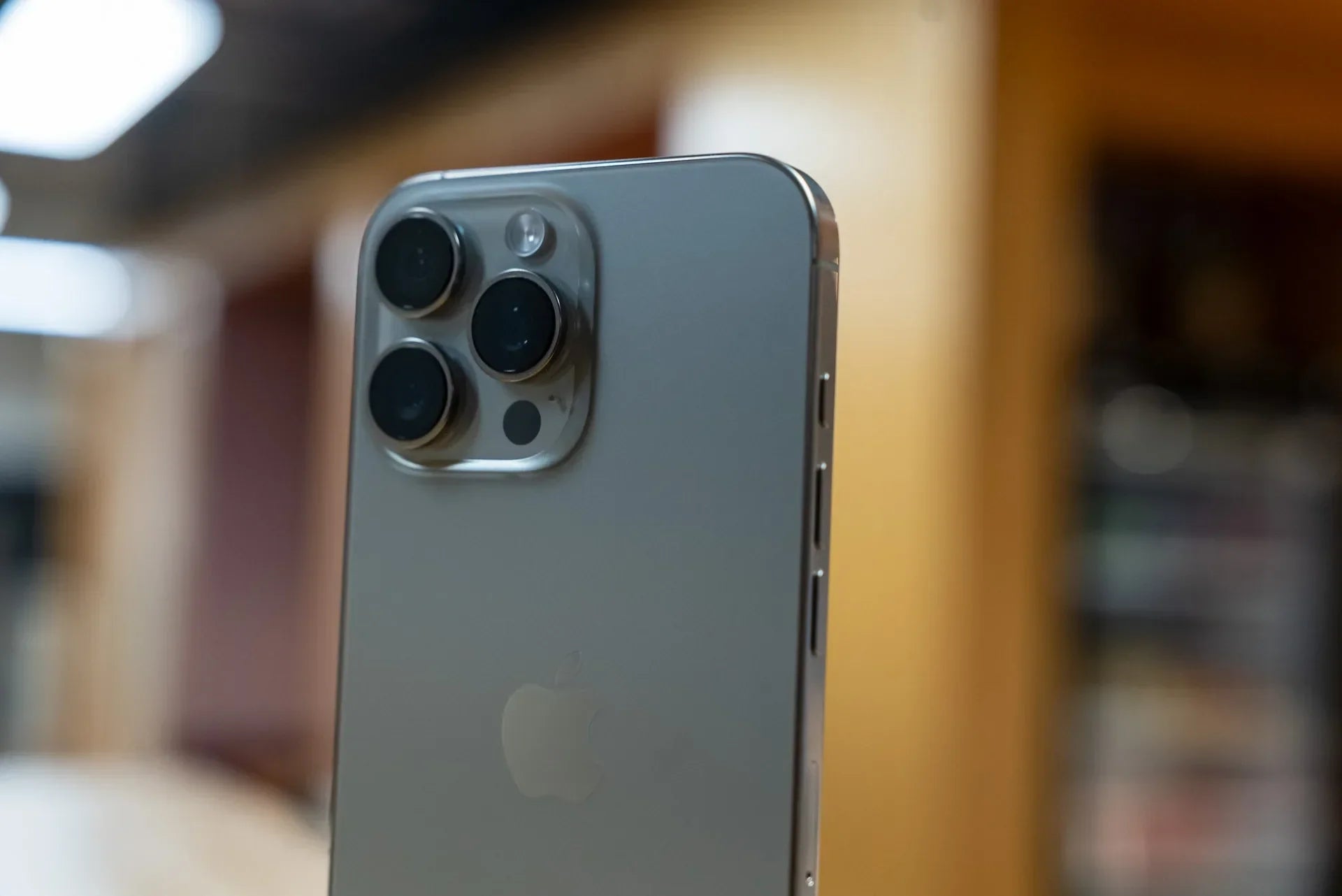
Managing two phone numbers used to mean carrying two separate devices everywhere. I did that for years—one phone for work and another for personal use. It seemed practical at first, but constantly charging two phones, switching between devices, and missing calls became frustrating very quickly.
When I switched to the iPhone 16 Pro Max dual SIM setup, it completely changed how I managed my daily communication. Instead of juggling multiple phones, I could handle work calls, personal messages, business WhatsApp accounts, and mobile data from a single device.
If you're considering using dual SIM on your iPhone 16 Pro Max, this guide covers everything you need to know, from setup and configuration to practical tips I've learned through real-world use.
Why Use Dual SIM on the iPhone 16 Pro Max?
The biggest advantage is convenience.
Whether you're a freelancer, business owner, remote worker, frequent traveler, or someone who simply wants to keep personal and professional communication separate, dual SIM functionality makes life much easier.
Some common situations where dual SIM becomes useful include:
- Using one number for work and another for personal calls
- Keeping a UK number active while traveling abroad
- Managing separate business and family contacts
- Taking advantage of different carrier plans
- Using one SIM for calls and another for affordable data
After using dual SIM daily, I found that separating business communication from personal life improved my productivity significantly. Clients could reach me on my work number, while friends and family continued using my personal line.
Understanding iPhone 16 Pro Max Dual SIM Support
The UK version of the iPhone 16 Pro Max offers excellent flexibility.
Unlike some international models that rely entirely on eSIM technology, UK models support:
- One physical Nano-SIM
- One eSIM active simultaneously
You can also choose to use two eSIM profiles if your carriers support it.
This flexibility allows users to configure their device based on their specific needs without being restricted to a single setup method.
For most users, the combination of a physical SIM and an eSIM provides the easiest transition into dual SIM functionality.
What Is an eSIM?
Before setting up dual SIM, it's worth understanding how eSIM technology works.
An eSIM (Embedded Subscriber Identity Module) is a digital SIM built directly into the device. Instead of inserting a plastic SIM card, your carrier activates your number electronically.
When I first heard about eSIM technology, I was skeptical. I assumed setup would be complicated compared to simply inserting a SIM card.
The reality was the opposite.
The activation process took less than ten minutes, and I never had to worry about swapping SIM cards again.
Benefits of eSIM include:
- Faster activation
- No physical SIM card required
- Easier carrier switching
- Better support for travel plans
- Reduced risk of SIM card damage
Step 1: Set Up Your Primary SIM
The first step is activating your primary line.
Insert your Nano-SIM card into the SIM tray and power on your iPhone 16 Pro Max.
Once the device starts:
- Open Settings
- Tap Cellular
- Verify your carrier is detected
- Check signal strength
- Confirm calls and mobile data work properly
Most UK carriers activate automatically within a few minutes.
Before adding your second line, make sure your primary connection is fully functional.
Step 2: Add an eSIM
Adding an eSIM is straightforward.
Contact your carrier and request eSIM activation.
Most providers will offer:
- A QR code
- A carrier app
- Manual activation details
To add the eSIM:
- Open Settings
- Tap Cellular
- Select Add eSIM
- Scan the QR code or follow carrier instructions
- Complete activation
The entire process usually takes less than ten minutes.
When I activated my second line, the phone automatically detected the carrier profile and configured most settings without additional input.
Using the QR Code Activation Method
Many major carriers prefer QR code activation.
This is often the quickest approach.
Simply:
- Open the Add eSIM menu
- Scan the QR code provided by your carrier
- Wait for profile installation
- Confirm activation
The iPhone handles most of the work automatically.
For most users, this is the fastest and simplest setup method available.
Activating Through Carrier Apps
Some providers use dedicated apps instead.
Major UK carriers frequently support app-based activation.
The process generally involves:
- Downloading the carrier app
- Logging into your account
- Selecting eSIM activation
- Following guided instructions
I tested both QR and app-based activation methods, and both worked smoothly.
The app method can sometimes be useful because it also provides account management tools and support options in one place.
Label Your Phone Lines Properly
This step sounds minor, but it's incredibly important.
After activation, assign clear labels to each line.
Examples include:
- Personal
- Work
- Business
- Travel
- Data
When I first enabled dual SIM, I skipped this step and quickly became confused about which number I was using.
Proper labeling prevents mistakes and helps you identify incoming calls instantly.
Choose Default Lines
The iPhone allows you to choose separate defaults for:
- Voice calls
- Messages
- Mobile data
This level of customization is one of the best parts of the dual SIM experience.
For example:
- Work number for calls
- Personal number for iMessage
- Secondary carrier for mobile data
You can customize everything according to your specific needs.
Assign Contacts to Specific Numbers
One feature I use constantly is per-contact line assignment.
You can assign:
- Business clients to your work line
- Family members to your personal number
- Suppliers to your business line
Once configured, the iPhone remembers your preferences automatically.
This saves time and eliminates accidental communication from the wrong number.
Managing Mobile Data Efficiently
Data management becomes especially important when using two carriers.
Some plans offer:
- Better coverage
- Faster speeds
- Larger data allowances
The iPhone 16 Pro Max lets you choose which line handles cellular data.
I often recommend reviewing both carrier plans before selecting a default data line.
This can save money while improving overall network performance.
Dual SIM for Business Owners
For business owners, dual SIM functionality is particularly valuable.
Many entrepreneurs start with a personal number and eventually need a dedicated business line.
Instead of carrying two devices, you can manage everything through one iPhone.
Benefits include:
- Better work-life separation
- Improved professionalism
- Easier call management
- Reduced device costs
Several small business owners I know have moved entirely to dual SIM setups because of these advantages.
Travel Advantages of eSIM
Frequent travelers often discover the biggest benefits of dual SIM functionality.
During international travel, roaming charges can become expensive quickly.
With eSIM support, you can:
- Keep your home number active
- Purchase local data plans
- Avoid excessive roaming fees
- Stay connected everywhere
This approach often costs significantly less than traditional roaming packages.
Many travelers now rely on eSIM technology specifically for this reason.
Managing Notifications for Two Numbers
Another useful tip is customizing notifications.
The iPhone allows you to assign:
- Different ringtones
- Different text tones
- Unique vibration patterns
This helps identify whether a call is personal or business-related before you even look at your phone.
I found this especially useful during busy workdays when prioritizing incoming calls matters.
iMessage and FaceTime Settings
Dual SIM users should also configure:
- iMessage
- FaceTime
Both services allow line selection.
You can choose:
- One number for messaging
- Another for FaceTime
- Or use the same line for both
The flexibility helps maintain consistency across your communications.
Common Dual SIM Problems and Solutions
Most users experience few issues, but occasional problems can occur.
Signal Problems
If one line loses service:
- Restart the device
- Toggle Airplane Mode
- Check carrier settings updates
- Verify network coverage
eSIM Activation Issues
If activation fails:
- Confirm carrier compatibility
- Verify QR code validity
- Contact carrier support
- Ensure internet connectivity
Data Switching Confusion
Review Cellular settings regularly to ensure the correct line is selected for data usage.
These simple troubleshooting steps resolve most problems.
Why the SIM Tray Still Matters
Although eSIM technology is becoming more popular, the physical SIM tray remains essential for many users.
Physical SIM cards continue to offer:
- Easy carrier transfers
- Backup connectivity options
- Greater flexibility in certain regions
Because of frequent SIM swaps, accidental drops, and general wear, SIM trays occasionally become damaged.
I've seen users struggle with bent trays, broken eject mechanisms, and trays that no longer sit flush inside the device.
That's why replacement components remain important even in the age of eSIM.
For users needing hardware replacements, E-Tech61 offers Apple iPhone 16 Pro Max SIM Card Tray Replacement options in Titanium and Gold finishes. These replacement trays help restore proper SIM functionality while matching the original appearance of the device.
Many customers choose E-Tech61 when replacing damaged SIM trays because maintaining dual SIM capability is essential for work, travel, and daily communication.
Future-Proofing Your Connectivity
One thing I appreciate most about the iPhone 16 Pro Max dual SIM system is flexibility.
Changing carriers no longer feels like a major project.
You can:
- Add a new eSIM
- Remove an old profile
- Test new carriers
- Switch plans easily
As mobile networks continue evolving, this flexibility becomes increasingly valuable.
E-Tech 61 continues supporting iPhone users with replacement components that help keep devices functioning properly, including SIM tray replacements for users who rely on physical SIM connectivity alongside modern eSIM technology.
The iPhone 16 Pro Max makes managing two phone numbers surprisingly simple. Once everything is configured correctly, you gain the convenience of two lines without carrying two devices. Whether you're running a business, traveling internationally, or simply separating personal and professional communication, dual SIM functionality quickly becomes one of those features you wonder how you lived without.
Share:
The Best iPhone 16 Pro Max Case I’ve Used (After Wasting Money on Cheap Ones)
iPhone 16 Pro Max Dual SIM: Why International Models Still Beat US Versions